

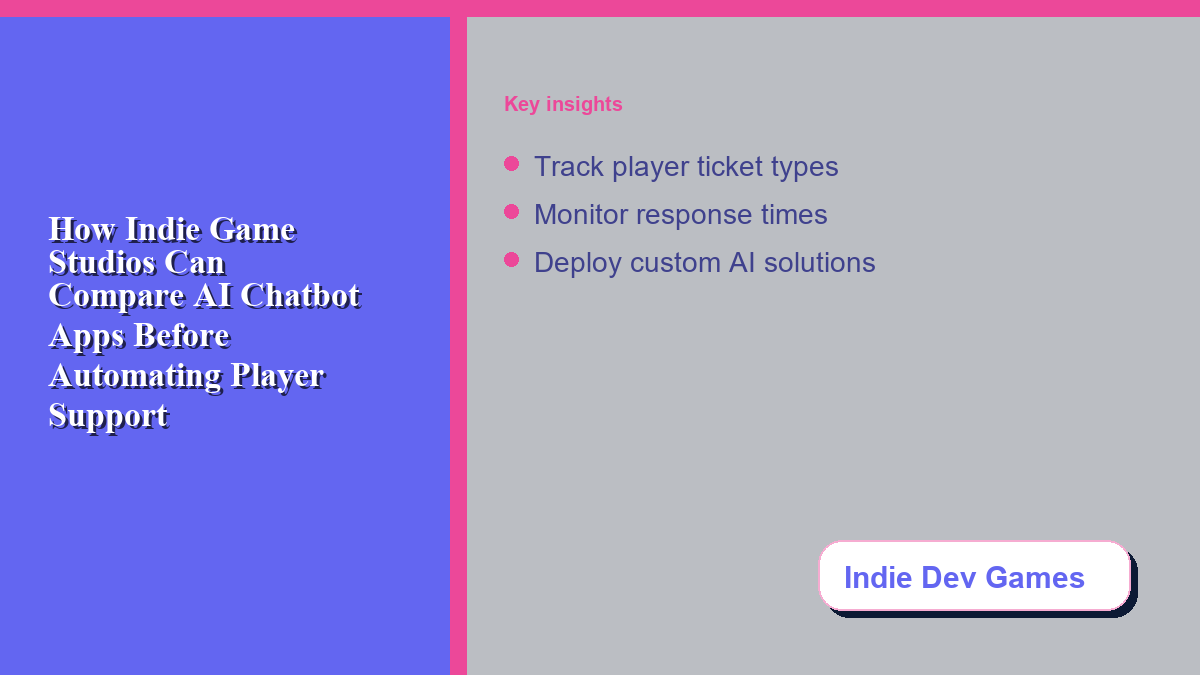
For small game development teams, managing player feedback and technical issues is a constant challenge that drains resources. Finding a suitable ai chatbot app is an important step toward scaling support channels, but rushing to automate your player community without comparing different chatbot systems can frustrate your players. Before delegating your community management, bug reporting, or store refund inquiries to an automated agent, it is essential to build an evaluation framework that puts your players first.
Defining the Role of Chatbots in Game Studio Operations
For an indie game studio, player support is an extension of the studio’s brand. AI chatbot technology can automate routine inquiries, freeing developers to write code. However, before selecting a platform, studios must map exactly what tasks the automated agent will handle. The scope of support typically spans several categories: responding to FAQs about release dates or system requirements, performing initial triage on bug reports, routing payment issues, and translating player issues from international markets. Choosing a tool without outlining these target lanes can result in a bot that gives generic answers to technical game queries, leading to negative reviews.
Comparing Capabilities: Technical Bug Triage vs. FAQ Automation
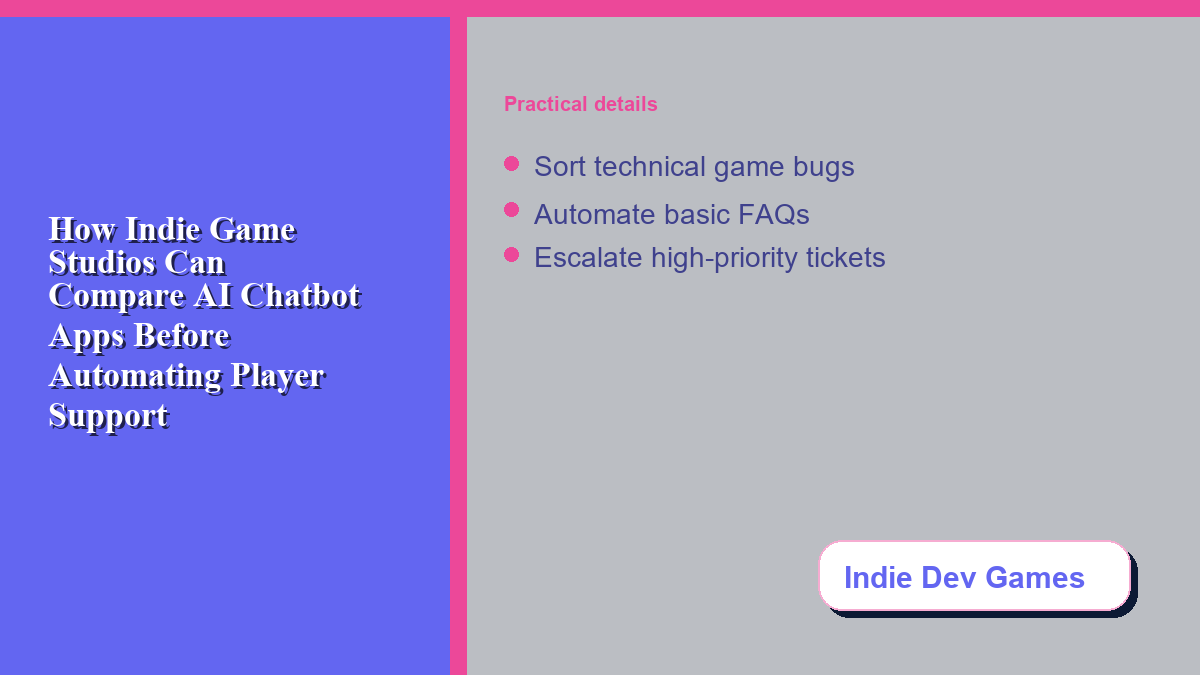
Not all conversational AI platforms are built equal. Some excel at creative writing, while others handle database lookups or logical workflows. If your main support bottleneck is players asking how to find save files, a simple retrieval-based chatbot that pulls answers from your public wiki is highly effective. On the other hand, if you need the bot to collect bug reports, you require a system that can follow structured inputs. The bot must ask for the player’s system specifications, the game version, the steps to reproduce the issue, and optionally log files.
When choosing a mobile-friendly support tool to manage Discord threads or live chats, ensure the platform supports structured data collection and integrates with bug trackers like Jira or Trello. This ensures that player-reported issues are automatically formatted and passed to the development team without manual intervention.
Platform Integrations: Discord, Steam, and Social Handoffs
Indie game player bases rarely gather in one place. Your community might be active on Steam forums, a dedicated subreddit, a public Discord server, or social media networks. Therefore, a key point of comparison for any chatbot is its integration compatibility. A bot that only works on a standalone website is of little use if ninety percent of your player support requests arrive via Discord direct messages or Steam threads. When comparing AI applications, look at their native integration options and webhook capabilities.
A well-designed chatbot should sit at the front gate of your support channels, greeting players and resolving basic queries. If the issue is too complex, such as a player requesting an account recovery, the chatbot must hand off the conversation to a human lead. A seamless transition prevents players from repeating their problem.
Localization and Global Community Support
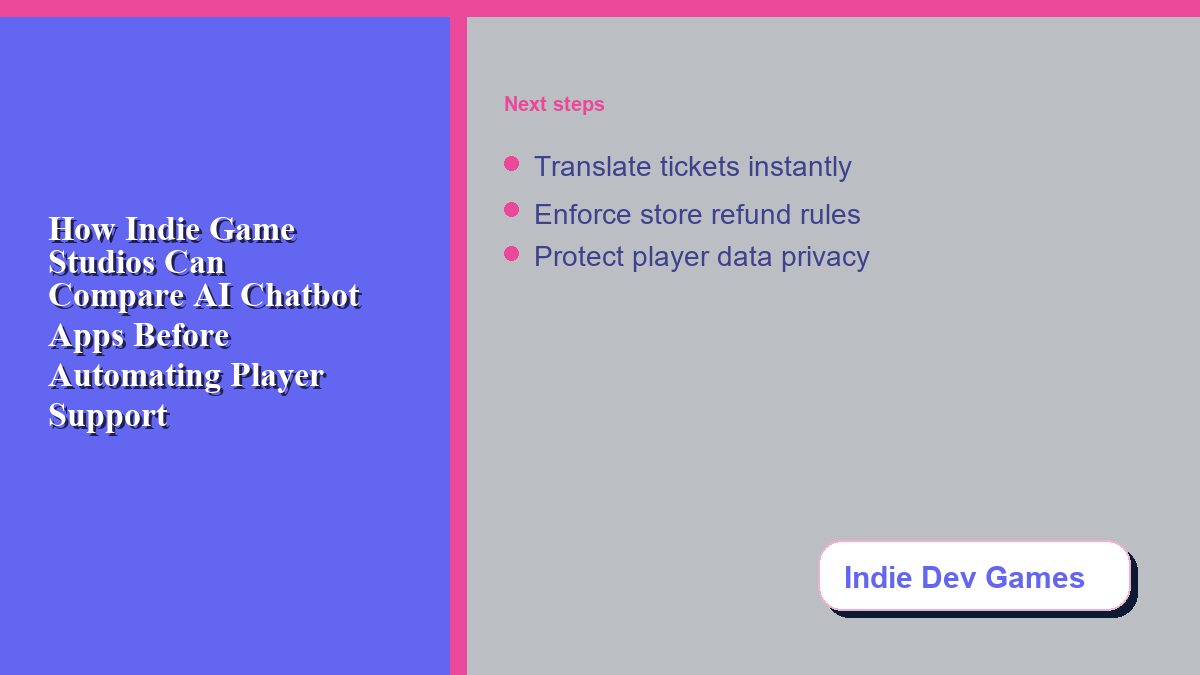
The global nature of the gaming market means that even small indie studios will attract players from multiple countries. Players who speak different languages will seek support, and hiring multilingual support agents is often financially impossible. This is where AI-driven localization becomes a major selling point. Compare how different chatbot engines handle machine translation and natural language understanding (NLU) across different dialects. The bot should translate the player’s input and adapt its tone to fit your studio’s culture, while flagging translation errors for human review. This ensures your international player base feels respected, supported, and valued.
For teams that already rely on phones during conventions, demo days, or launch-week travel, software like Messenger Bot can help producers review escalations without sitting at a desktop dashboard. Test mobile moderation views, notification settings, and role-based access before trusting the tool during a public launch.
Security, Refund Routing, and Data Protection
Handling player accounts, store transactions, and refund requests introduces security and compliance considerations. AI chatbots should never have direct access to process financial transactions or issue refunds. Instead, they should act as navigational guides, explaining store refund policies and directing players to the correct platform link. This keeps your financial data secure and prevents the bot from making unauthorized billing decisions. Furthermore, studios must ensure that the chatbot provider complies with privacy regulations like GDPR and CCPA. Ensure that the chatbot service you choose offers robust data encryption, clear retention limits, and allows you to scrub player data upon request to prevent data breaches.
Building Your Studio’s AI Staging Environment
Before launching any automated support system to the public, setting up a staging environment is vital. Have your community managers and beta testers interact with the chatbot, trying to confuse it with common gaming slang, typos, or edge-case bugs. This testing phase will help you refine the bot’s training data, write clearer system prompts, and identify gaps in its FAQ database. Staging also allows you to test the handoff system, ensuring that high-priority alerts are successfully routed. Ultimately, the best chatbot for your studio is one that integrates cleanly into your existing workflow, respects player privacy, protects data, and maintains the unique voice of your game.
Frequently Asked Questions
Can an AI chatbot replace human player support entirely?
No. Chatbots can reduce repetitive support work, but complex technical bugs, refund approvals, and community moderation still require human empathy and judgment.
What integrations are most important for game support bots?
Your bot should connect natively with your primary player channel, usually Discord or a web chat widget, and your internal task manager, such as Jira or Trello, to sync bug reports.
How do we prevent a chatbot from giving wrong answers about our game?
Keep the bot’s knowledge base updated with your latest patch notes, official FAQs, and wiki pages. Set strict instructions to say “I don’t know” rather than guessing technical details.


0 Comments